How WooCommerce Product Table Helps To Increase Conversion Rate?

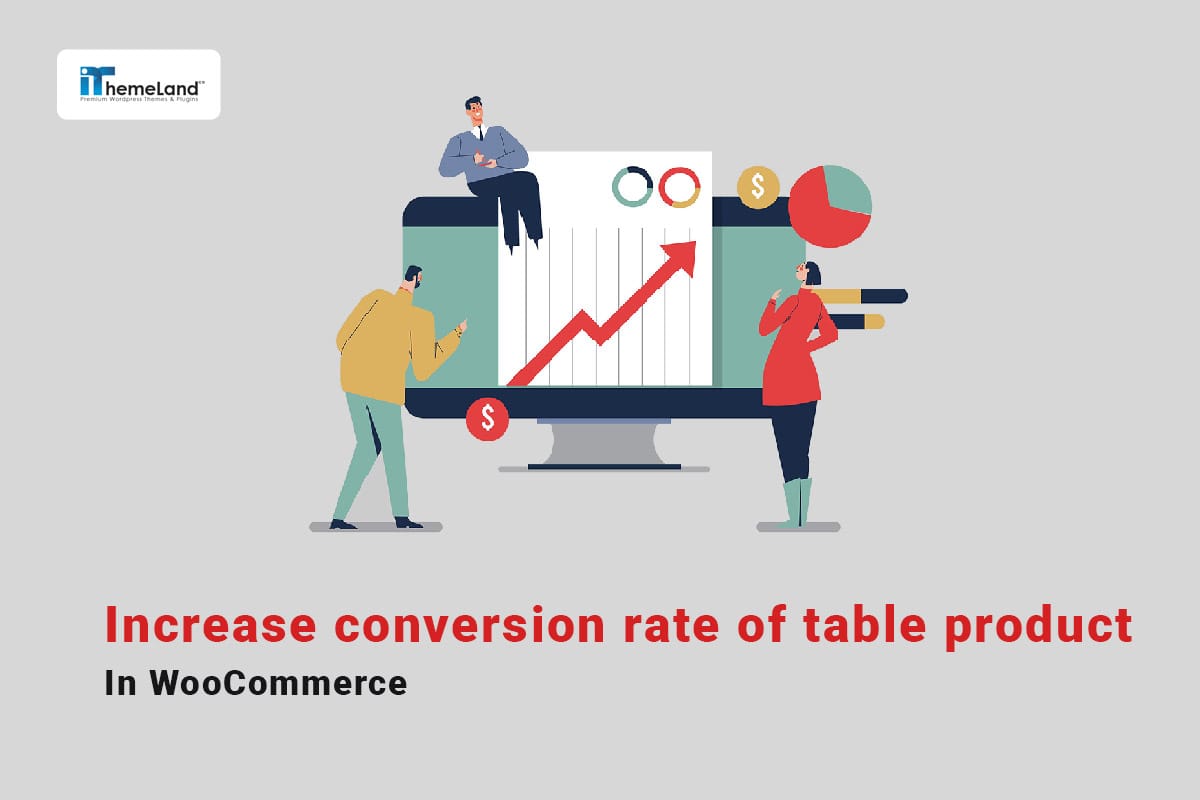
The audiences that visit your online store may have found your website in a variety of ways, but ultimately your most important goal is to convert them into buyers so you can make more sales. Achieving this goal is only possible by using various strategies that can lead to an increase in conversion rates.
According to the AIDA model, your audience goes through four important stages to buy products:
- Awareness
- Interest
- Decision
- and Action
So, you have to optimize each of these steps in the best way to boost your conversion rate. One of the best solutions that helps to optimize these steps and improve the conversion rate is to display products in WooCommerce product tables.
By displaying products in user-friendly ways that make the decision-making and purchasing process easier for customers, you can easily increase your conversion rate and have more sales.
The default page of the WooCommerce store can only be displayed in the list and grid modes. Therefore, if you want to display the product table on the shop page, you should use the WooCommerce product table plugin.
In this post, we will show you how the capabilities of this plugin will help you to convince customers to add more products to their cart by using the right tools with the proper design of the product table.